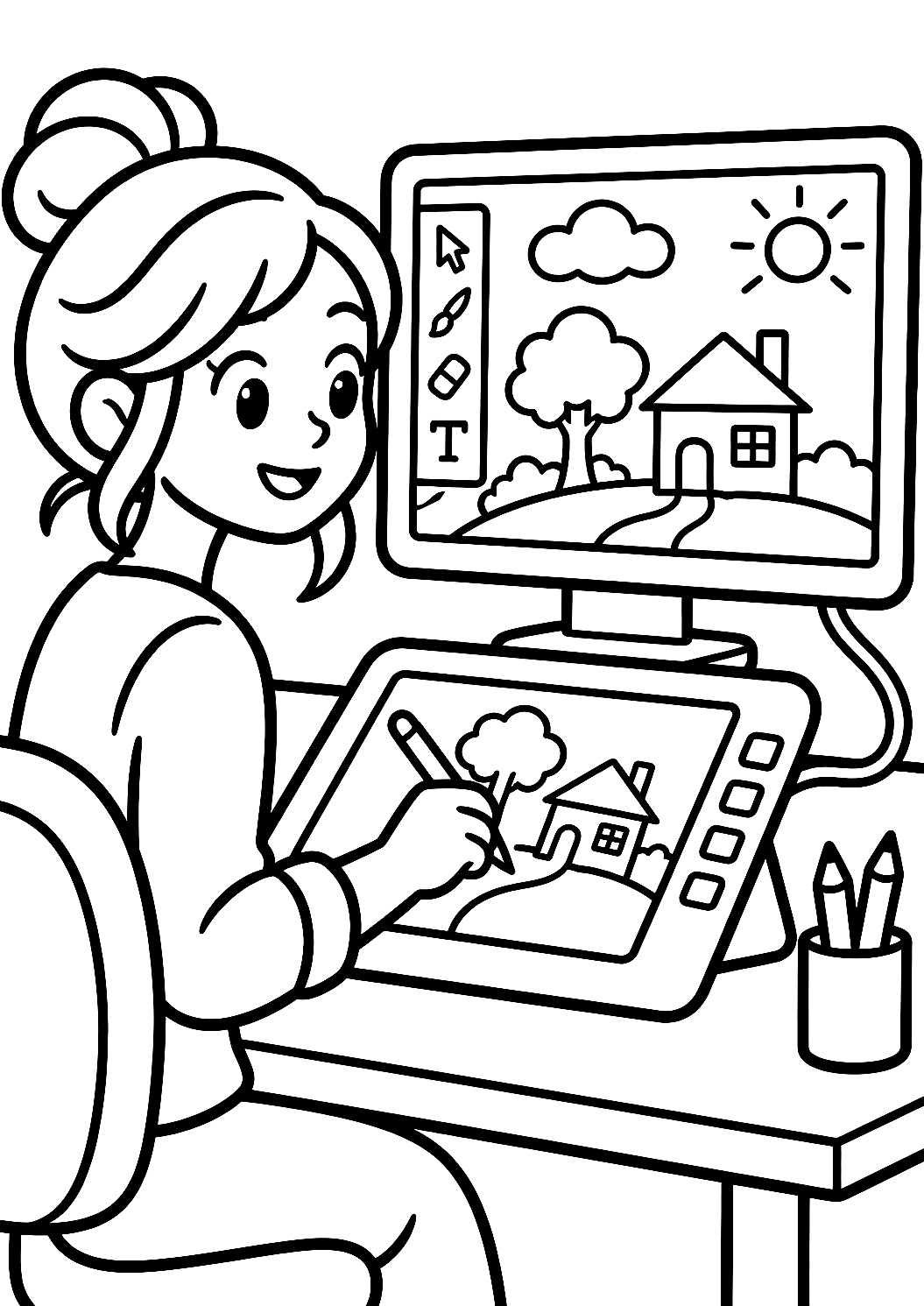
Programmer Creates a Drawing with a Graphics Tablet Coloring Page
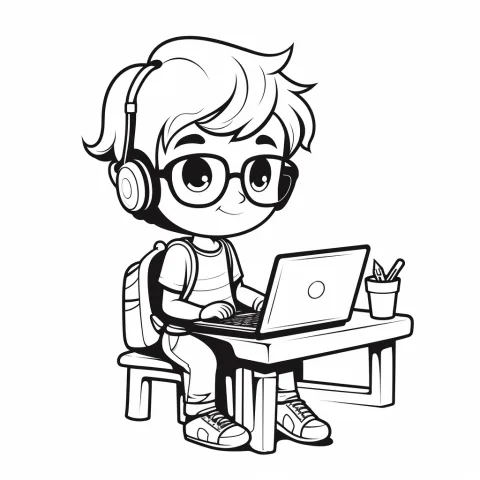
So glad you stopped by! This coloring page shows a programmer who is focused on creating a drawing with a graphics tablet. With the pen in her hand, a little work of art appears on the screen, and that's exactly what makes this picture so special: it connects technology with creativity and shows kids that coding and drawing aren't so far apart after all.
Opens the print dialog. Portrait, 10 mm margins, no header or footer.
Download PNG 1055 × 1491 px- Category
- Programmer
- File
- PNG, 1055 × 1491 pixels
- Paper
- A4, 80 g is fine – 120 g for watercolor
- Lines
- Thick, suitable for crayons
- Cost
- none, no sign-up
Digital Artist at Work: The Programmer with the Graphics Tablet
Your child can color the programmer herself, the graphics tablet, the screen with the drawing taking shape, and the cozy work corner full of little details. Maybe there's even a cup of coffee or tea sitting nearby, waiting for a little break. So there's plenty to discover and fill with color.
Coloring idea: What colors might the digital drawing have?
A lovely idea is to give the drawing on the screen its own bright, glowing colors, while keeping the rest of the room in calmer tones. This creates a wonderful contrast between the real world and the digital art that's being created. The graphics tablet could be kept in a soft gray or blue, while the programmer's clothes become really colorful and cheerful.
If you like, you can even make up a little story: What is the programmer drawing right now? An animal, a flower, or maybe a totally wild fantasy creature? That invites storytelling and makes coloring even more exciting. You can download the picture for free and print it out at home on a regular sheet of paper. Then all you need is to get your crayons ready, and the coloring fun can begin.